


TrueNAS Connect
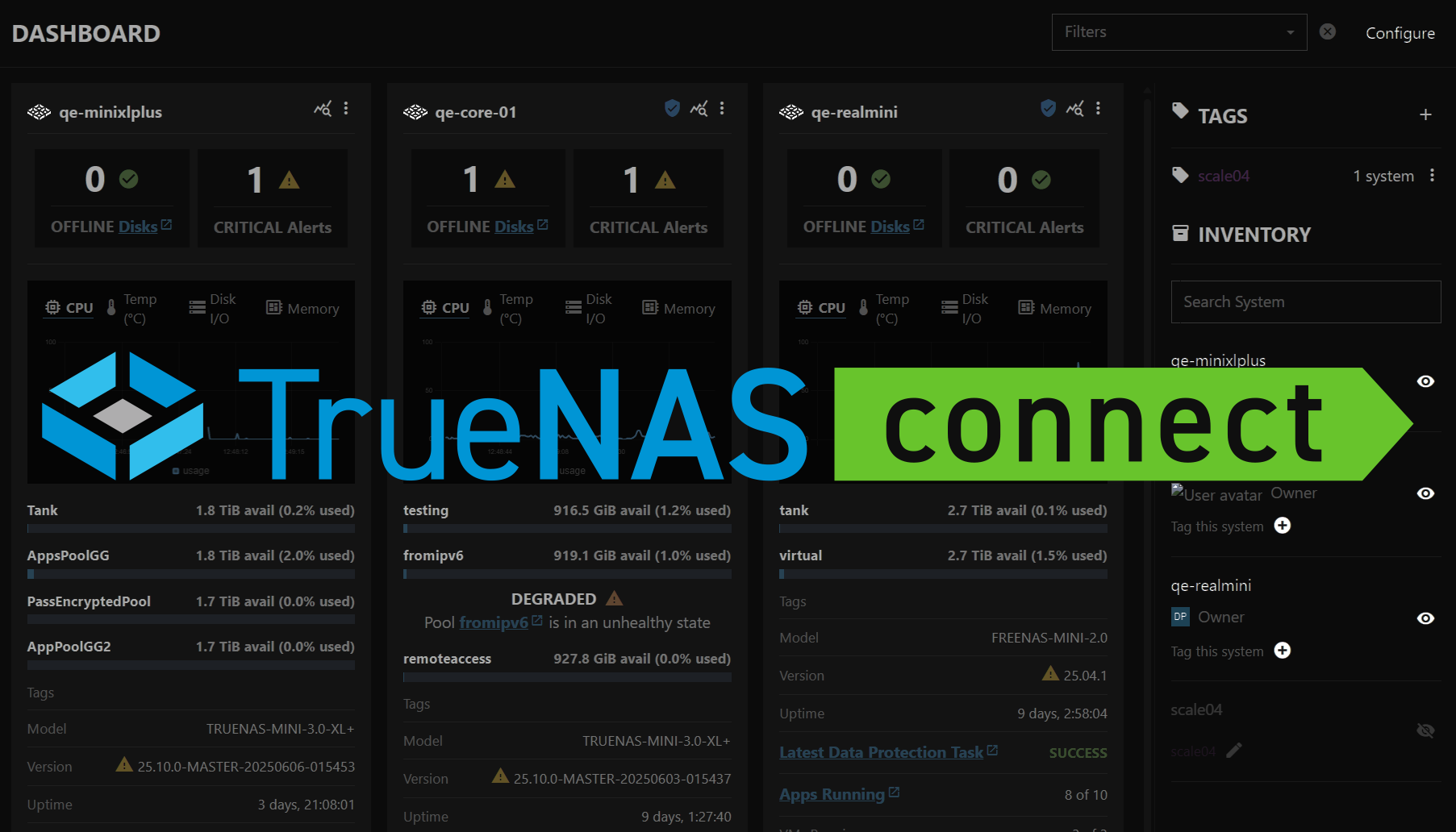
TrueNAS Connect is an optional web-based control panel that simplifies day-to-day management of your TrueNAS software.
From a single interface, you can conveniently manage multiple systems, monitor system health, configure alerts, visualize hardware, and perform web installations.
TrueNAS Connect works within your network using secure web sockets, simple OAuth authentication, and no additional hardware.
Essentials
Health Reporting
Monitor your system(s) status, alerts, and performance with built-in health features.
TrueNAS Management
Configure, manage, and fine-tune your TrueNAS system(s) through the TrueNAS Connect web interface.
All Documentation
Browse the complete documentation library including tutorials, guides, and reference materials.
In this Documentation
Tutorial
Hands-on introduction for new users or those looking to deepen their knowledge
Tutorial
Hands-on information for new users or those looking to deepen their knowledge.
How-To
Step-by-step guides covering key operations and common tasks
How-To
Step-by-step guides covering key operations and common tasks.
Reference
Description of UI screens and fields, including technical information like requirements and specifications
Reference
Description of UI screens and fields, including technical information like requirements and specifications.